Skip to content
View in the app

A better way to browse. Learn more.

Loyverse Town

A full-screen app on your home screen with push notifications, badges and more.

To install this app on iOS and iPadOS
  1. Tap the Share icon in Safari
  2. Scroll the menu and tap Add to Home Screen.
  3. Tap Add in the top-right corner.
To install this app on Android
  1. Tap the 3-dot menu (⋮) in the top-right corner of the browser.
  2. Tap Add to Home screen or Install app.
  3. Confirm by tapping Install.
A blog by Yasuaki in General
  • Entries

    140
  • Comments

    51
  • Views

    383,847

Entries in this blog

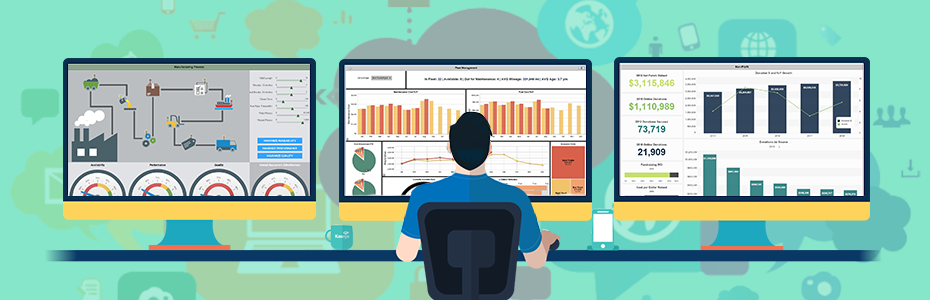
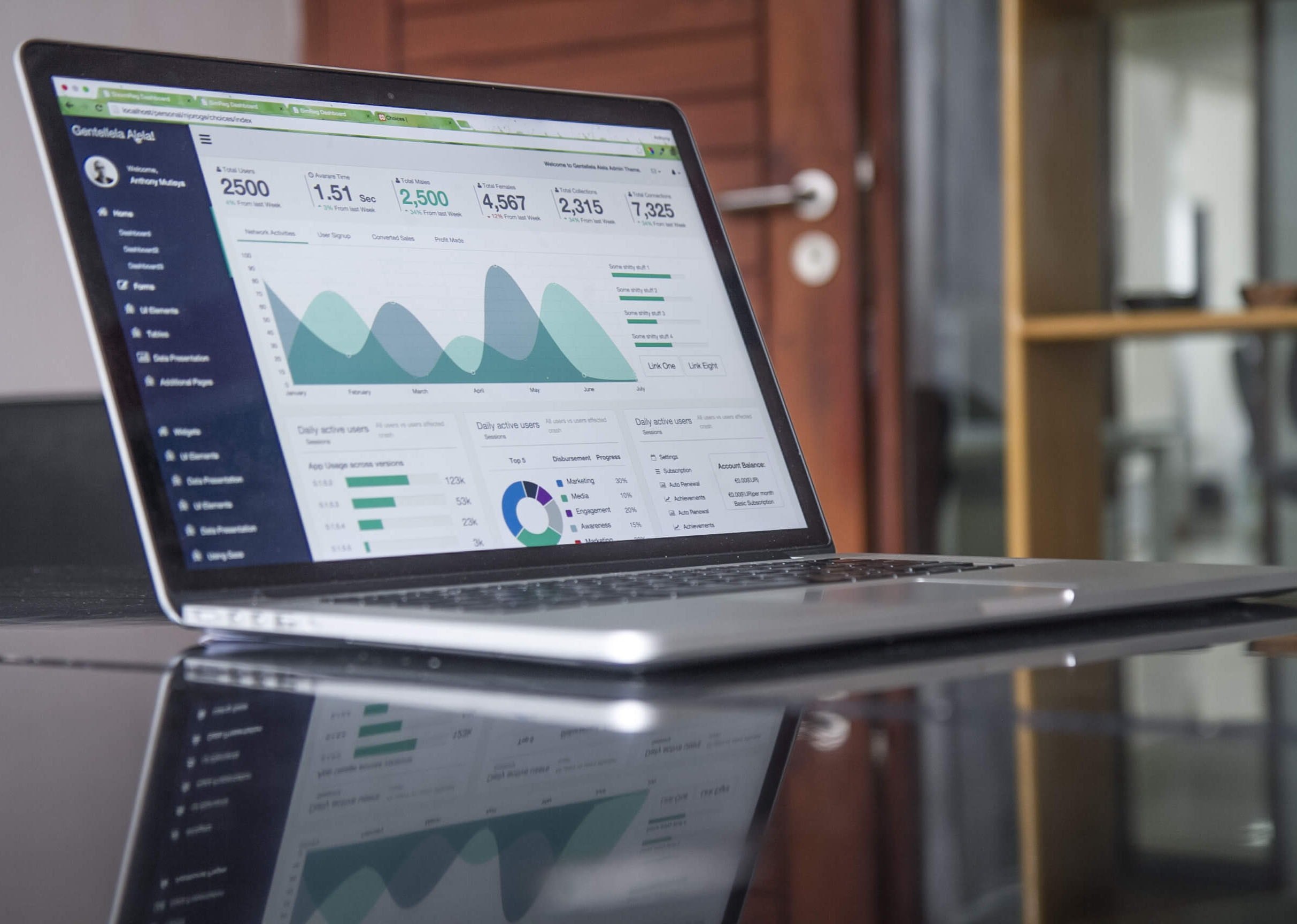
Just like how our car’s dashboard gives us real-time data about how our car is performing, dashboard software collects data that can optimize business management and contribute to the overall success of the company.  In just a glance, dashboard softwares helps merchants and business owners have a better grip of their business’ performance by creating data visualizations (charts, graphs, scales, etc) to evaluate their operations at any time. This will eventually help them have better forecasts fo

Chooli

Account

Navigation

Search

Search

Configure browser push notifications

Chrome (Android)
  1. Tap the lock icon next to the address bar.
  2. Tap Permissions → Notifications.
  3. Adjust your preference.
Chrome (Desktop)
  1. Click the padlock icon in the address bar.
  2. Select Site settings.
  3. Find Notifications and adjust your preference.