Skip to content
View in the app

A better way to browse. Learn more.

Loyverse Town

A full-screen app on your home screen with push notifications, badges and more.

To install this app on iOS and iPadOS
  1. Tap the Share icon in Safari
  2. Scroll the menu and tap Add to Home Screen.
  3. Tap Add in the top-right corner.
To install this app on Android
  1. Tap the 3-dot menu (⋮) in the top-right corner of the browser.
  2. Tap Add to Home screen or Install app.
  3. Confirm by tapping Install.
A blog by Yasuaki in General
  • Entries

    140
  • Comments

    51
  • Views

    382,139

Entries in this blog

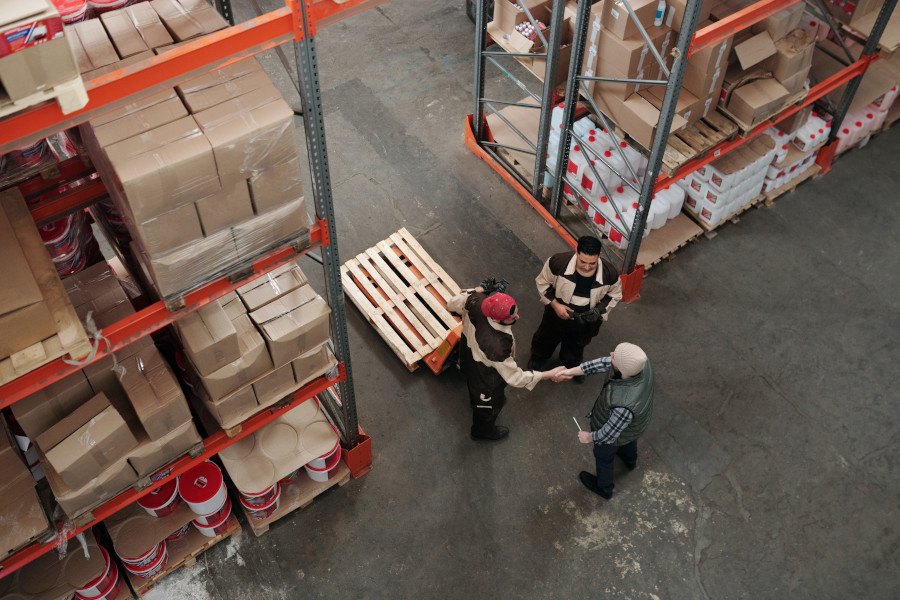
Your product sales are increasing, your daily orders are larger in volumes, your business is expanding and so are your goals; and you’re looking for a great way to free up your time by helping you take care of things in-house. Time can be considered your greatest resource and it just makes total sense to enlist a business optimization procedure to give you just that. This is what fulfillment services are here for.  A fulfillment service is a third- party warehouse that prepares and ships or

Chooli

Account

Navigation

Search

Search

Configure browser push notifications

Chrome (Android)
  1. Tap the lock icon next to the address bar.
  2. Tap Permissions → Notifications.
  3. Adjust your preference.
Chrome (Desktop)
  1. Click the padlock icon in the address bar.
  2. Select Site settings.
  3. Find Notifications and adjust your preference.