Skip to content
View in the app

A better way to browse. Learn more.

Loyverse Town

A full-screen app on your home screen with push notifications, badges and more.

To install this app on iOS and iPadOS
  1. Tap the Share icon in Safari
  2. Scroll the menu and tap Add to Home Screen.
  3. Tap Add in the top-right corner.
To install this app on Android
  1. Tap the 3-dot menu (⋮) in the top-right corner of the browser.
  2. Tap Add to Home screen or Install app.
  3. Confirm by tapping Install.
A blog by Yasuaki in General
  • Entries

    140
  • Comments

    51
  • Views

    382,141

Entries in this blog

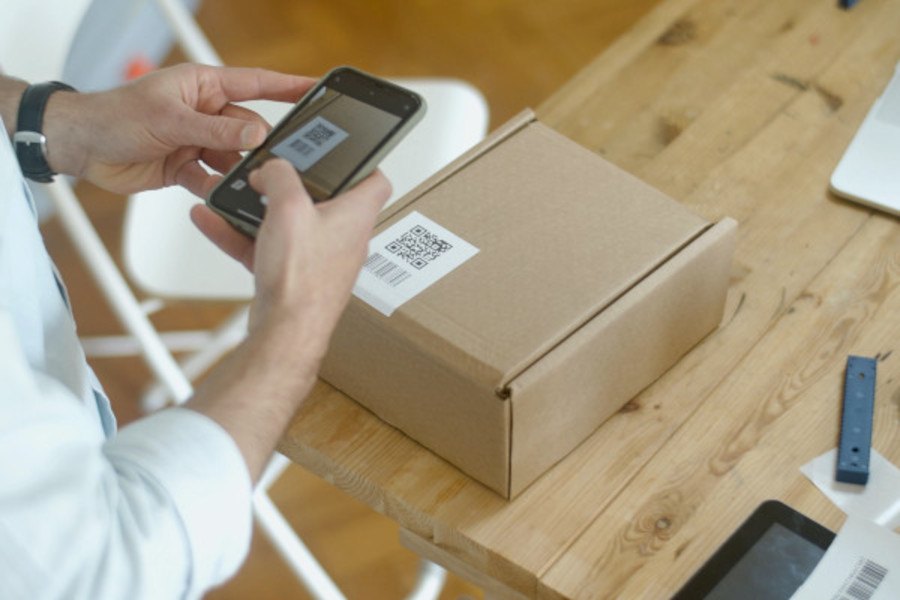
Digital payment providers that offer the convenience of payment transaction using mobile phones are rapidly emerging in the global market today. One of the services that has gained popularity in the business world nowadays are QR code payment solutions. Digital payments using QR codes are solutions that enable merchants to receive payments for their goods and services by providing a QR code for their customers to simply scan to complete the transaction.  These QR codes are generated by

Chooli

Account

Navigation

Search

Search

Configure browser push notifications

Chrome (Android)
  1. Tap the lock icon next to the address bar.
  2. Tap Permissions → Notifications.
  3. Adjust your preference.
Chrome (Desktop)
  1. Click the padlock icon in the address bar.
  2. Select Site settings.
  3. Find Notifications and adjust your preference.