Skip to content
View in the app

A better way to browse. Learn more.

Loyverse Town

A full-screen app on your home screen with push notifications, badges and more.

To install this app on iOS and iPadOS
  1. Tap the Share icon in Safari
  2. Scroll the menu and tap Add to Home Screen.
  3. Tap Add in the top-right corner.
To install this app on Android
  1. Tap the 3-dot menu (⋮) in the top-right corner of the browser.
  2. Tap Add to Home screen or Install app.
  3. Confirm by tapping Install.
A blog by Yasuaki in General
  • Entries

    140
  • Comments

    51
  • Views

    389078

Entries in this blog

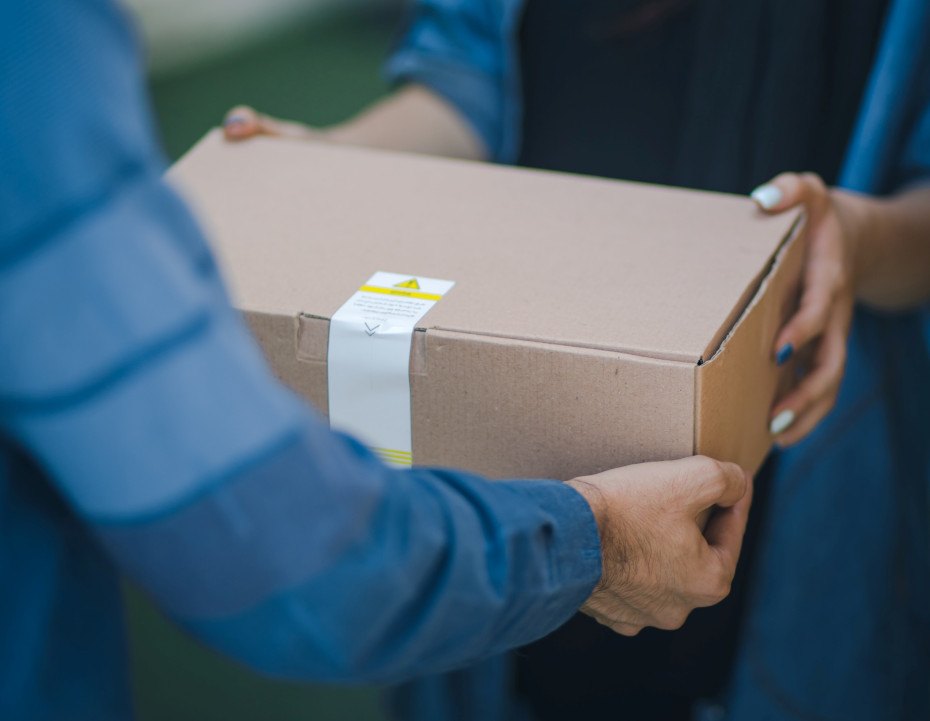
When you're managing a start-up business and you don’t really deal with much volume of products, it’s easy to keep and track your inventory in your garage and make time to do the packaging and shipping yourself. However, fulfilling orders can quickly become a demanding task when your sales starts to increase, requiring you to invest in more storage space and additional equipment and staff. Fulfillment services companies are firms that provide assistance to your business in terms of receivin

Chooli

Account

Navigation

Search

Search

Configure browser push notifications

Chrome (Android)
  1. Tap the lock icon next to the address bar.
  2. Tap Permissions → Notifications.
  3. Adjust your preference.
Chrome (Desktop)
  1. Click the padlock icon in the address bar.
  2. Select Site settings.
  3. Find Notifications and adjust your preference.