

The Power of Unity

By Rodrigo Díaz
· 5032 views
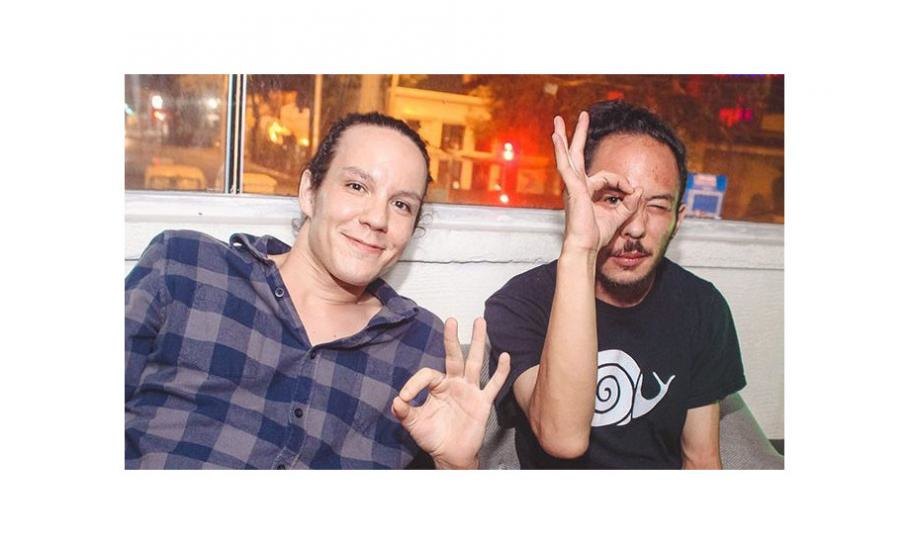
We started the business (Indika Saigon) because I and my partner had the same idea and concept for a place. We are both Dj, so we wanted to have a place to play our music (reggae, dub and hip-hop music).
We provide a great place to chill with great atmosphere, food and drinks!
We also wanted a unique place, so we looked for a special location and found it.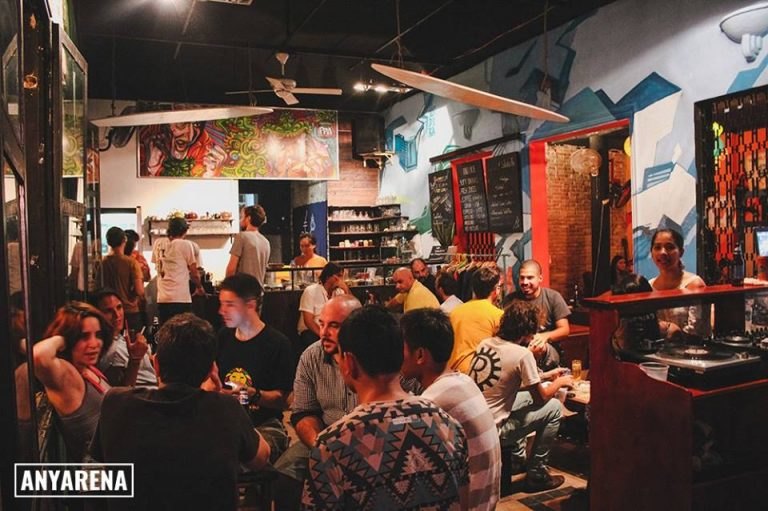
We are based in Saigon, Vietnam and our local community is about music, drinking beer and meeting friends in a chill environment.
I found Loyverse Point of sale when I was looking for free POS system for small business solution because we had no budget for that. I would definitely recommend because it’s easy to use and have a great customer service.
Our goal is to become a great popular place in Saigon, Vietnam. To achieve this goal we just follow our vibe, try our best and never give up!
I don’t really have any advice for retailers, or maybe one advice would be to simplify the price to round number, so you don’t struggle too much with the change!
-
 1
Recommended Comments