

The Release of a New Version of POS app for iOS

By Andy
· 9880 views
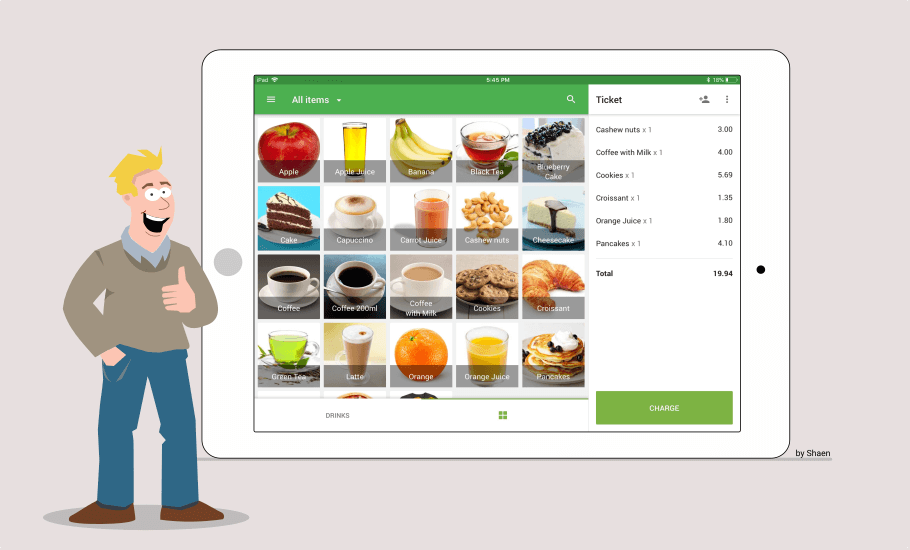
The new version 2.0 of Loyverse POS app for iPhone and iPad has just been released. We implemented many cool new designs, such as a new customized sale screen, payment selection screen, receipt management, and many others.
New customized sale screen
You can arrange your items on the sales screen of Loyverse POS in a suitable way by creating new custom pages and organizing the items there. 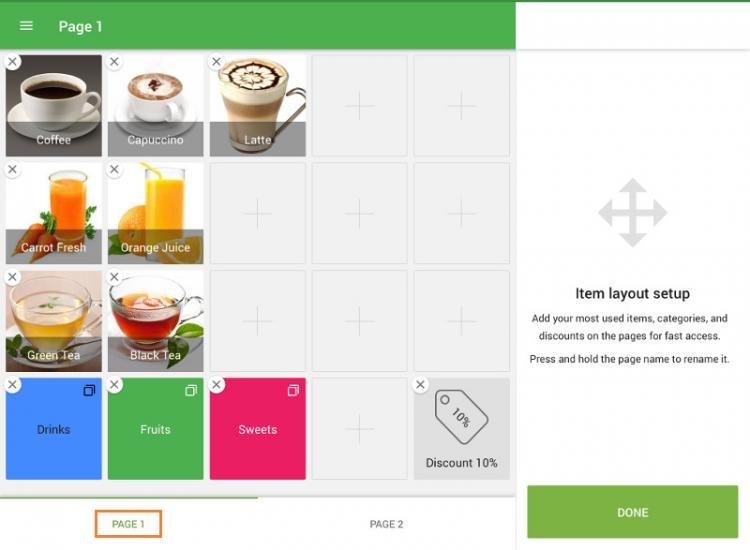
Reference: How to Arrange Sale Screen in Loyverse POS
New payment selection screen
You can see the ticket with your items on the left side and select a payment type on the right side. For cash payments, you can choose the suggested amounts for quick payment.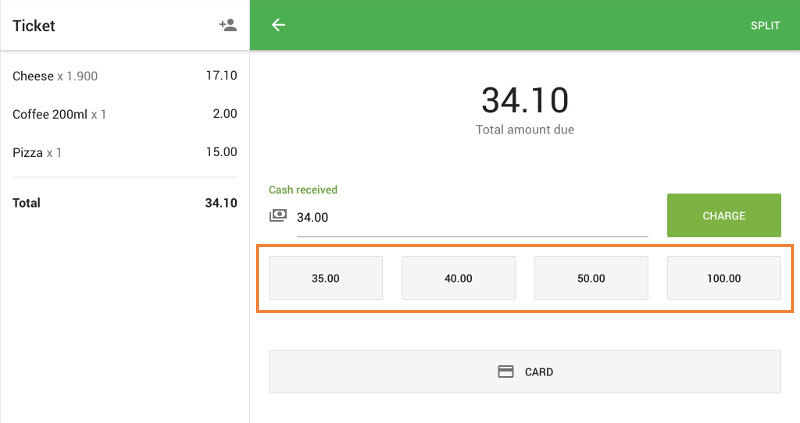
Access to receipts made in offline mode
Now all the receipts from all POS of the same store can be found in the ‘Receipt’ section in your POS app. You can see your receipts even when the devices are offline. All non-synchronized receipts (that are made during the time when there was no Internet connection) will be marked as ‘Unsynced’.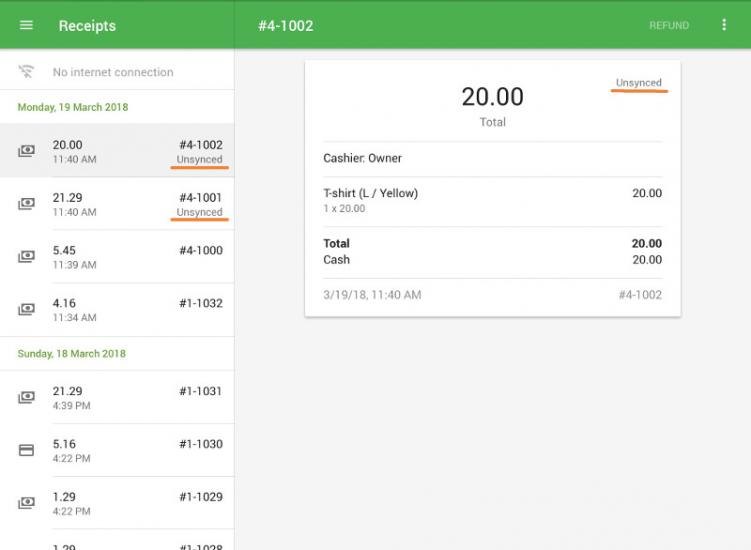
Reference: Receipts list in the POS
Cash Rounding
When the cash rounding is applied, the amount payable for a cash transaction is rounded to the nearest rounding interval with specified rounding rule, whereas transactions paid in other ways are not rounded.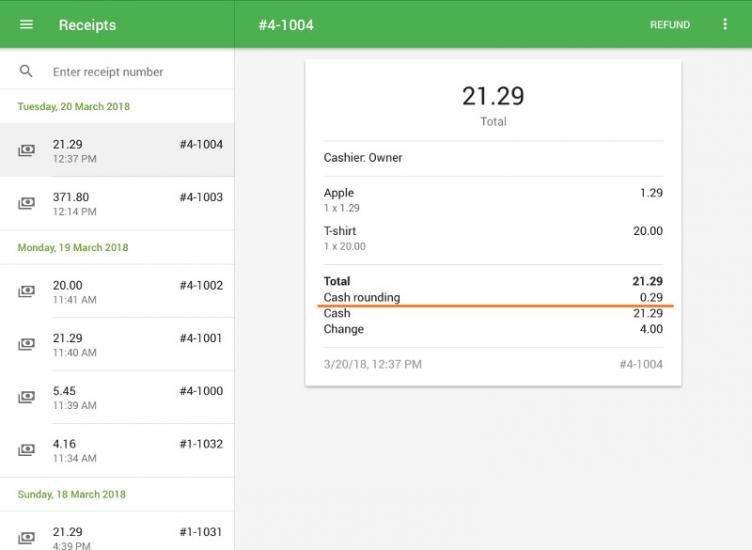
Reference: How to Work with Cash Rounding
Arabic and Hebrew languages
The new version of POS supports Arabic and Hebrew languages with customization for the Right-to-Left layout of the screens.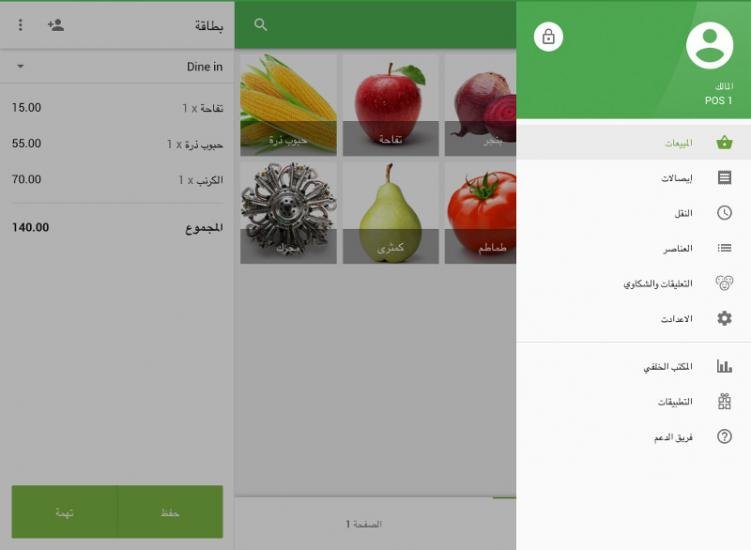
New version 2.0 of Loyverse POS app for iOS has many other new features: the option to open cash drawer, the option to print customer info and notes on the receipt, and so on.
We’ve also added the integration of Loyverse POS with credit card payments terminal Tyro. Tyro is a provider of electronic funds transfer at point of sale (EFTPOS) from Australia, and it provides services only to merchants and customers in Australia.
Recommended Comments