

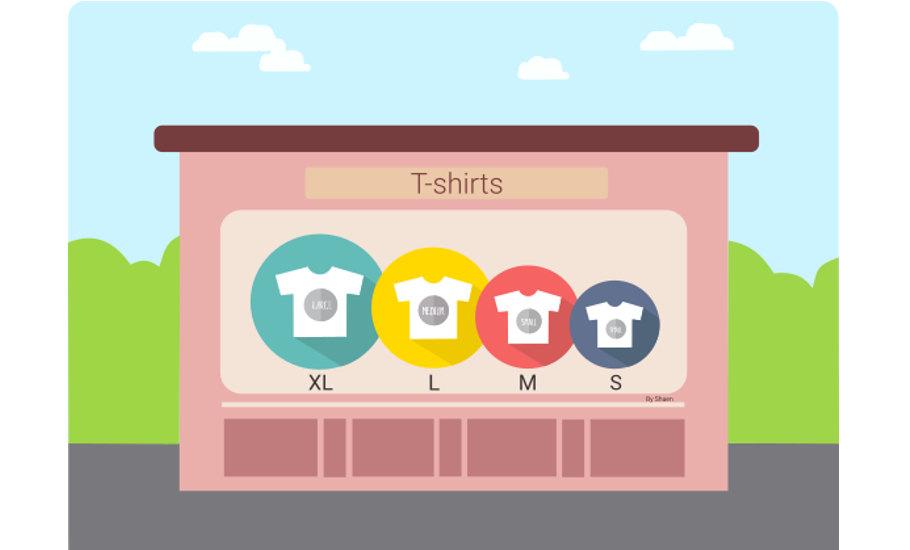
Feature Update - Variants of Items

By Andy
· 7385 views
Since we received so many responses regarding item variations on our community, our team has worked hard to make it happen! We present you...
Variants
The function of Variants allows you to condense the list of Items, simplifying their creation and management. This is a convenient tool to use if some products come in multiple versions, like different sizes or colors.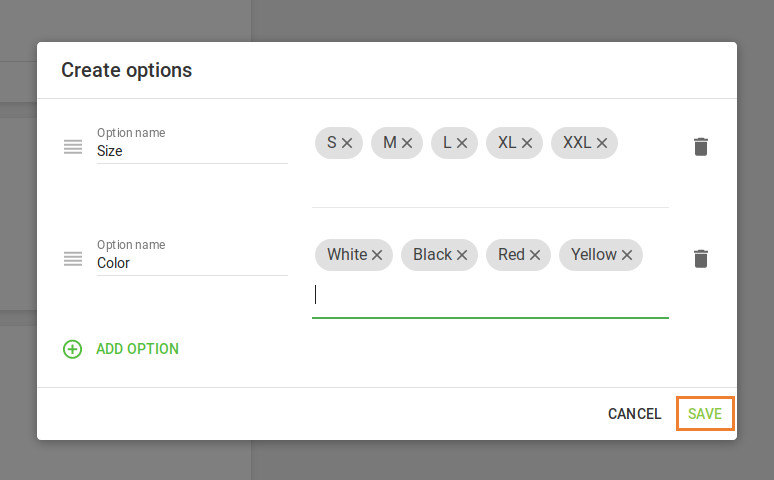
Benefits of Variants:
- Allows the option to create a list of all the possible combinations of variations that you can think of for a single product, which accelerates the ability to create new items.
- Simplifies the process of updating prices, stock, and other attributes of different variants of the items. Editing takes place on a single page.
- Simplifies navigation through the list of products due to the fact that all the options are grouped into one.
- Ability to view the sales report separately for each variant of an item, or as one single product including all the options. This allows you to better understand the most and least sold goods.
- You can visit our help materials and learn how to use the item variants.
Unfortunately, this feature is currently available for iOS devices only. But don’t worry Android users! Although the latest features may not be available for you guys yet, progress is surely being made and the Loyverse apps for Android will eventually catch up.
So until next time, take care!
Reference to the help article:
Recommended Comments