Skip to content
View in the app

A better way to browse. Learn more.

Loyverse Town

A full-screen app on your home screen with push notifications, badges and more.

To install this app on iOS and iPadOS
  1. Tap the Share icon in Safari
  2. Scroll the menu and tap Add to Home Screen.
  3. Tap Add in the top-right corner.
To install this app on Android
  1. Tap the 3-dot menu (⋮) in the top-right corner of the browser.
  2. Tap Add to Home screen or Install app.
  3. Confirm by tapping Install.

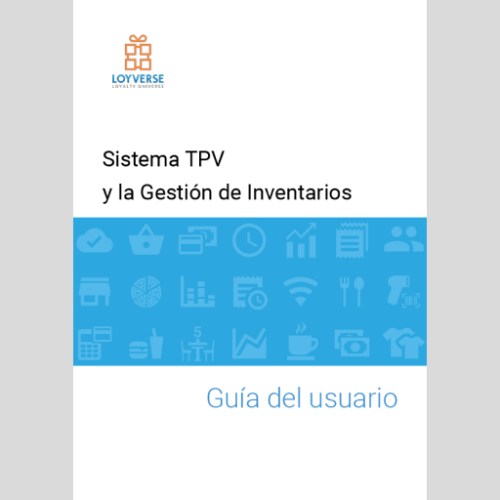
Lovyerse TPV Guía del Usuario

(2 reviews)

1 Screenshot

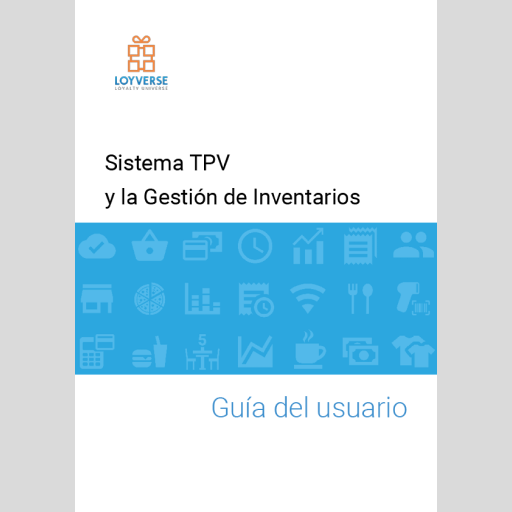
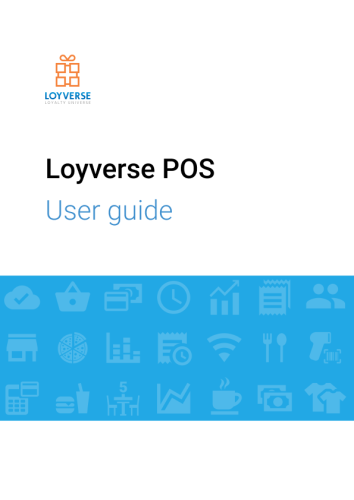
 La guía del usuario de Loyverse TPV proporciona información detallada sobre cómo utilizar el sistema TPV de Loyverse, incluyendo cómo configurar su cuenta, cómo gestionar inventario y empleados, cómo procesar transacciones y cómo ver informes y análisis.


Lovyerse TPV Guía del Usuario


What's New in Version 04/30/2024 08:49 AM

Released

Última actualización: 01.05.2024
User Feedback

Please sign in to comment

You will be able to leave a comment after signing in

Sign In Now
Martines Enthusiast

Martines

   4 of 4 members found this review helpful 4 / 4 members

Es fácil de usar y tiene todas las funciones esenciales para las pequeñas empresas. Por lo demás, la atención al usuario, rápida y amable, es fantástica.

Ievgen Mentor

Ievgen

   4 of 4 members found this review helpful 4 / 4 members

Estaba buscando un programa y encontré este, simplemente increíble, ahora puedo ejecutar un programa de fidelización en mi tienda para beneficiar a mis clientes, fácil de usar.

Files

Account

Navigation

Search

Search

Configure browser push notifications

Chrome (Android)
  1. Tap the lock icon next to the address bar.
  2. Tap Permissions → Notifications.
  3. Adjust your preference.
Chrome (Desktop)
  1. Click the padlock icon in the address bar.
  2. Select Site settings.
  3. Find Notifications and adjust your preference.