

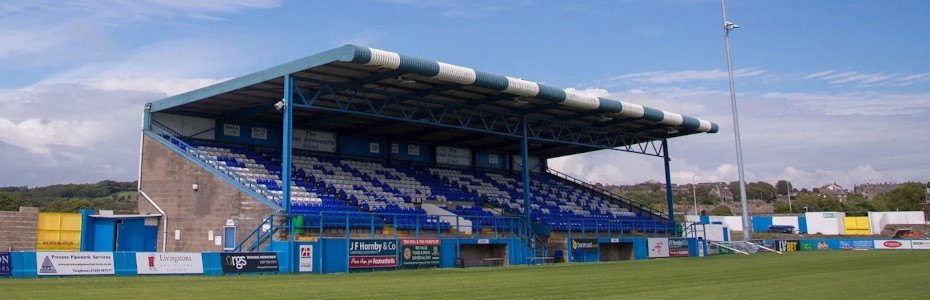
Barrow AFC, a UK Football Club Using Loyverse on its Facilities

By Andy in Customer Stories
· 7,938 views
Barrow AFC chooses Loyverse POS because it can work for all business facets: hospitality areas, ticketing, and the club shop.
The Sunmi T2 integrated POS hardware was installed in locations throughout the club. It consists of a 15.6″ HD touchscreen and integrated 80mm thermal receipt printer. The terminals have been paired with APG cash drawers and 2D barcode scanners where needed.
Using the latest POS technology allows the club to minimize the on-going financial outlay by keeping software and card payment fees as low as possible.
Anya Wood of Barrow AFC said, “It is difficult to explain just how much easier life is in the club shop with the new EPOS System; it is fantastic.”
Barrow Association Football Club is an English professional association football club which was founded in 1901 and is based in the town of Barrow-in-Furness, Cumbria. Barrow is regarded as one of the best-managed football clubs in the UK. This year the club rose and was promoted to the English Football League from the National League.
-
 1
Recommended Comments