

.thumb.jpeg.bd452f48f5301b103bc25fcb93ccc48a.jpeg)
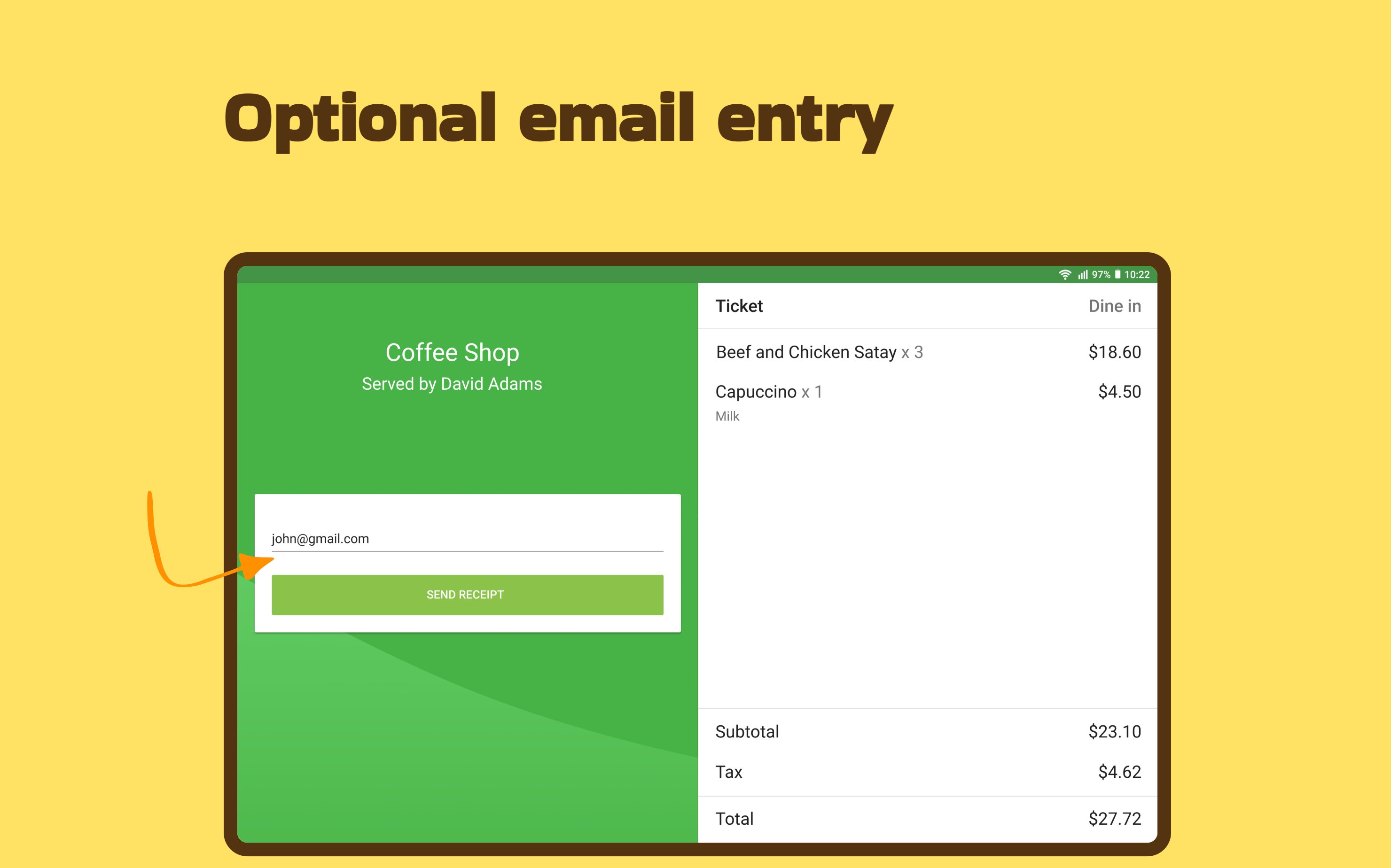
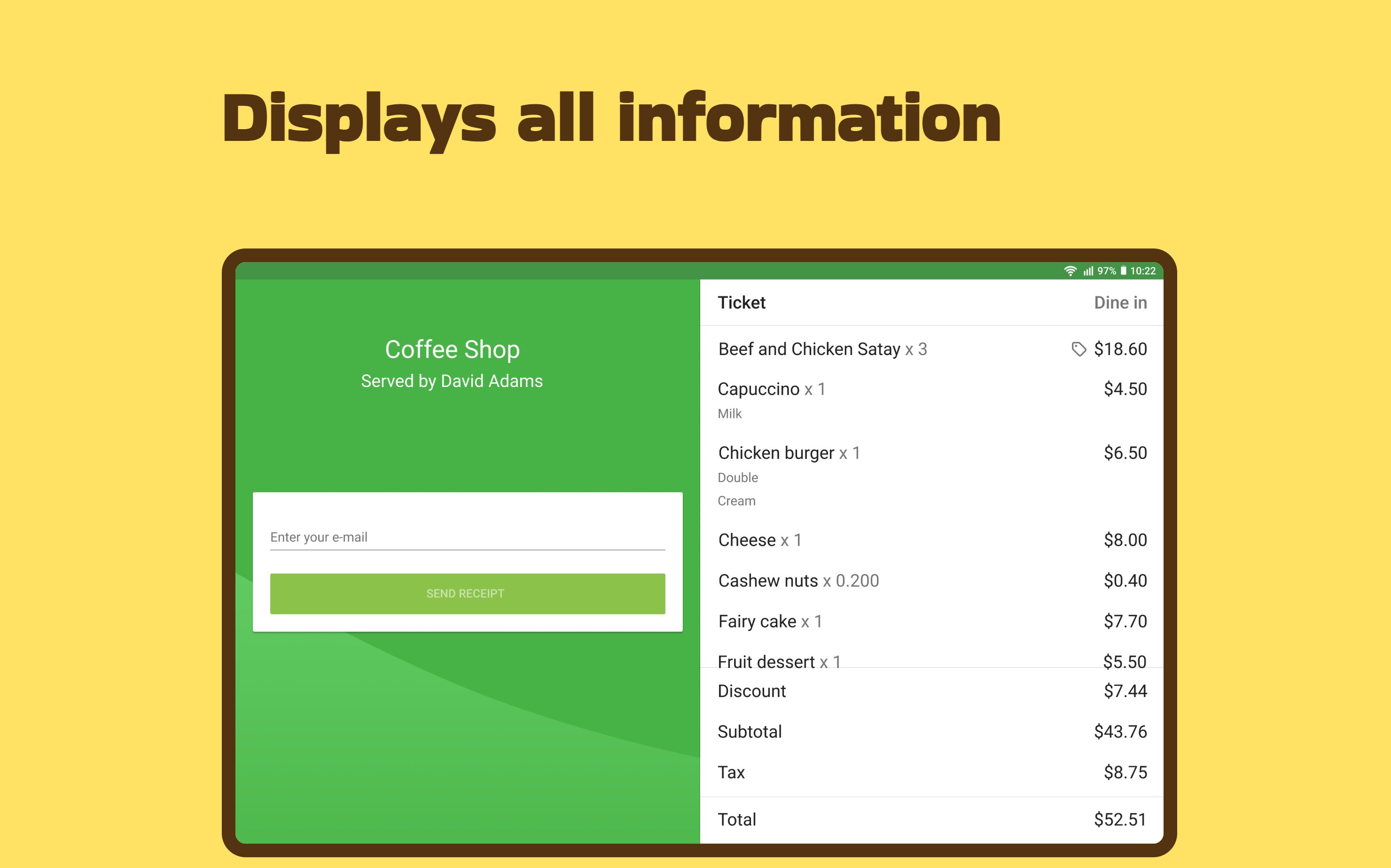
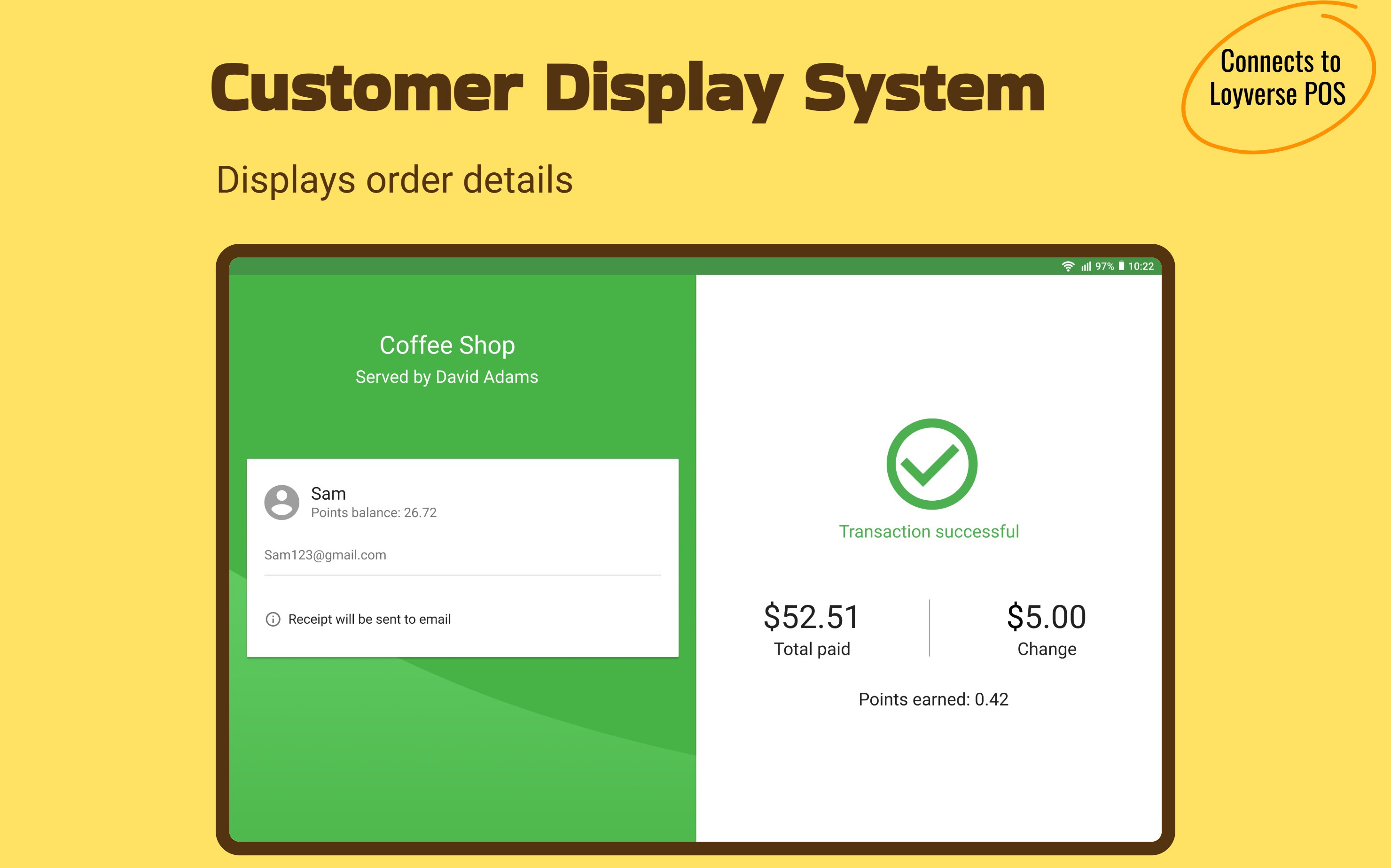
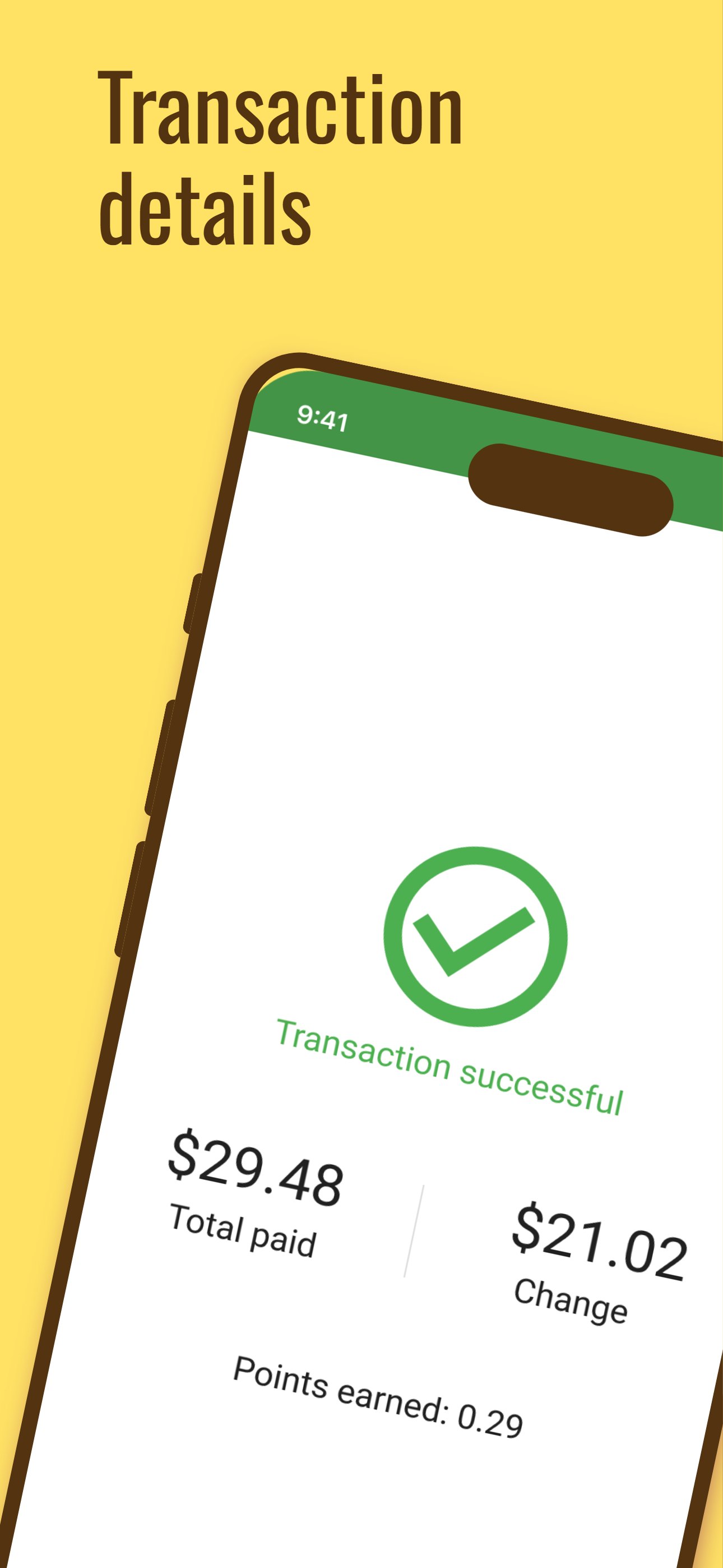
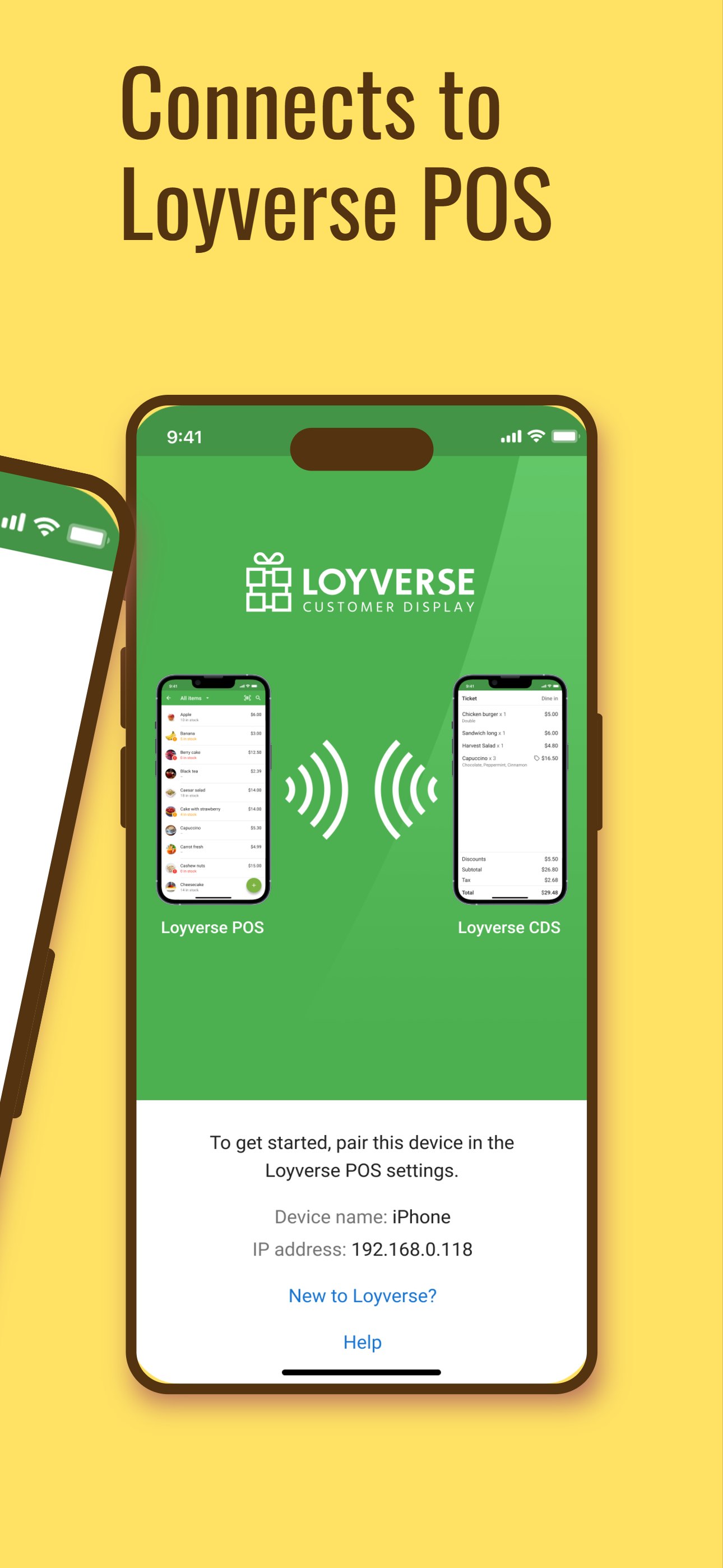


Loyverse CDS (Customer Display System) is an interactive screen that allows your customers to view the details of their orders and enter their email addresses to receive digital receipts. It's designed to enhance the customer experience and provide a more efficient way to manage orders and receipts.
What's New in Version 02/25/2026 07:44 AM
Released
Version 1.8
- Bug fixes and performance improvements
Features of Loyverse CDS:
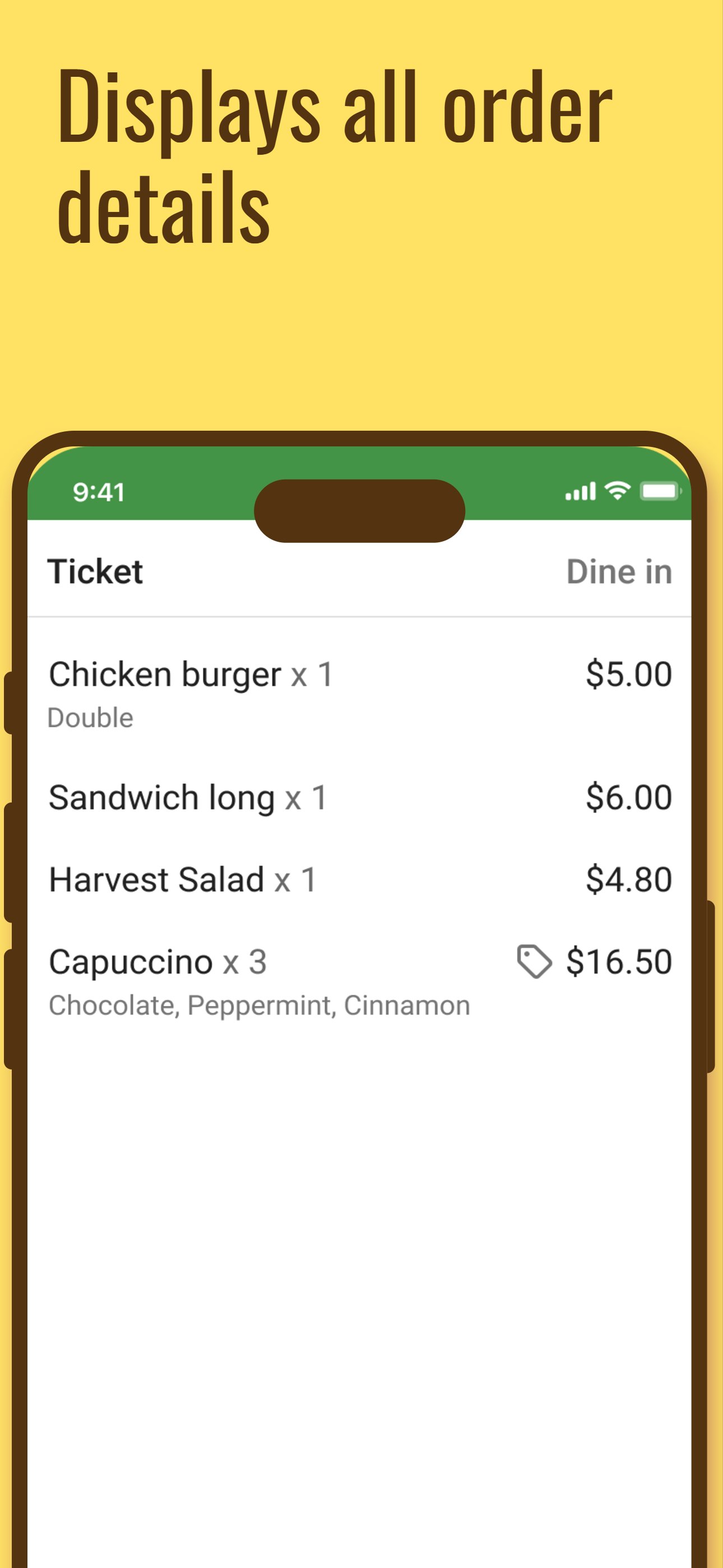
- Order Information: The display shows all the relevant details of the customer's order, including items, taxes, discounts, and the total amount due.
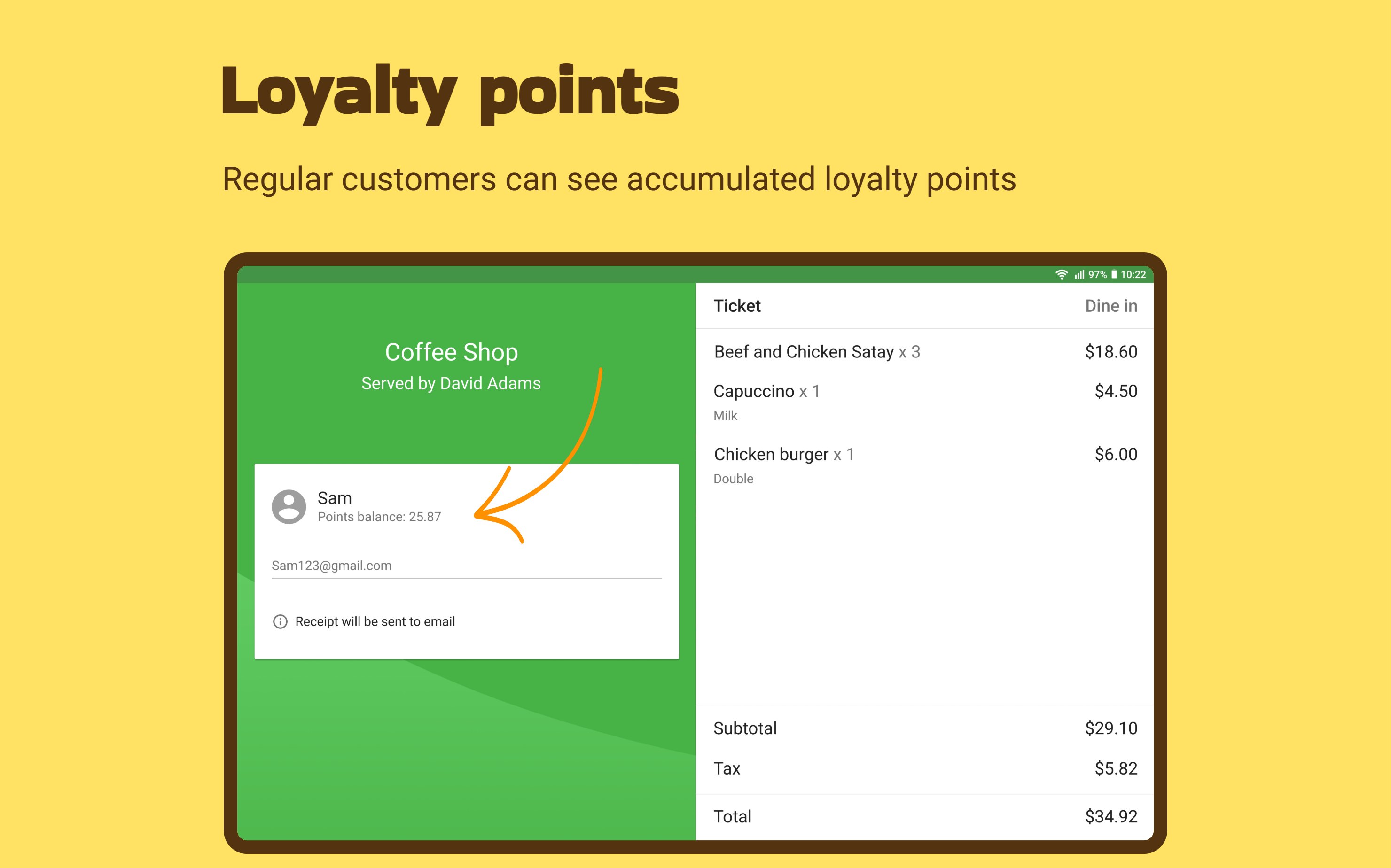
- Loyalty Points: Regular customers can see their accumulated loyalty points on the screen.
- Email Address Input: The display allows customers to enter their email addresses to receive digital receipts.
- Offline Functionality: Loyverse CDS works even without an Internet connection.
Loyverse CDS is easy to set up and can be used with a range of devices, including tablets, and smartphones. It can be a valuable tool for businesses looking to streamline their order and provide a more convenient experience for their customers.




.thumb.png.4054e15bd0b2110e79ef6c7ed2e792ad.png)
Please sign in to comment
You will be able to leave a comment after signing in
Sign In Now