
Skip to content
View in the app

A better way to browse. Learn more.

Loyverse Town

A full-screen app on your home screen with push notifications, badges and more.

To install this app on iOS and iPadOS
  1. Tap the Share icon in Safari
  2. Scroll the menu and tap Add to Home Screen.
  3. Tap Add in the top-right corner.
To install this app on Android
  1. Tap the 3-dot menu (⋮) in the top-right corner of the browser.
  2. Tap Add to Home screen or Install app.
  3. Confirm by tapping Install.

Loyverse POS - Point of Sale System & Stock Control System

(25 reviews)

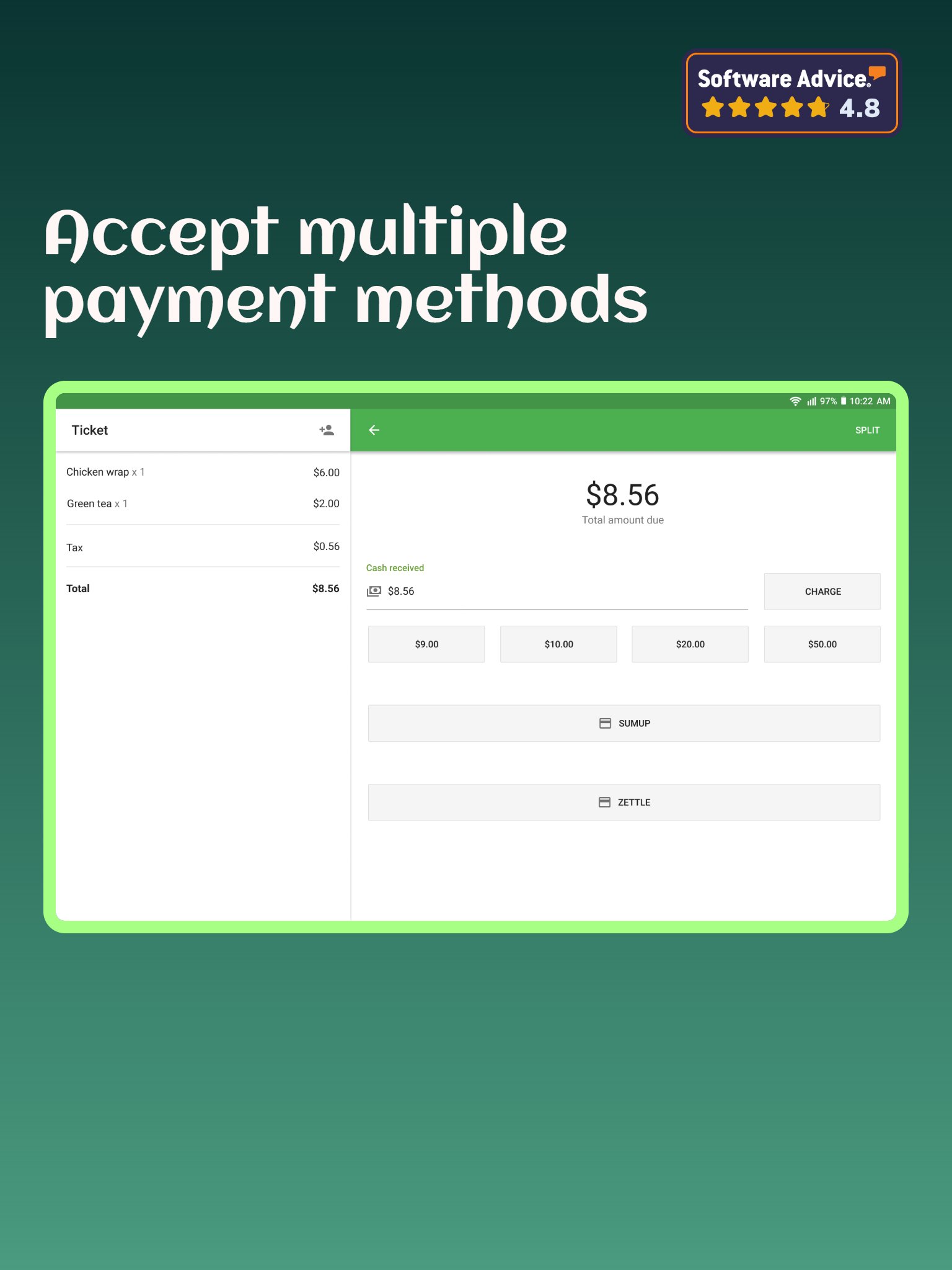
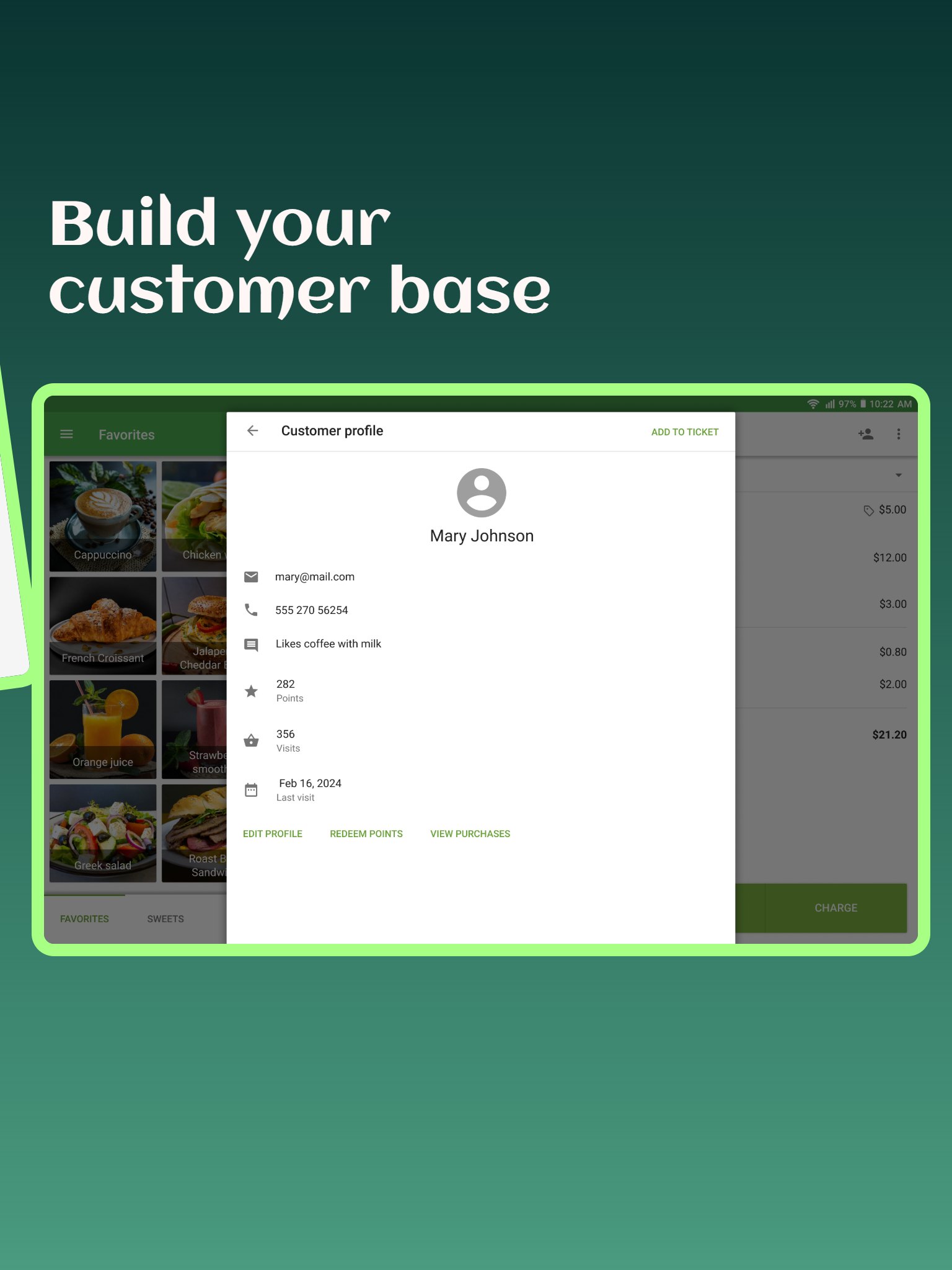
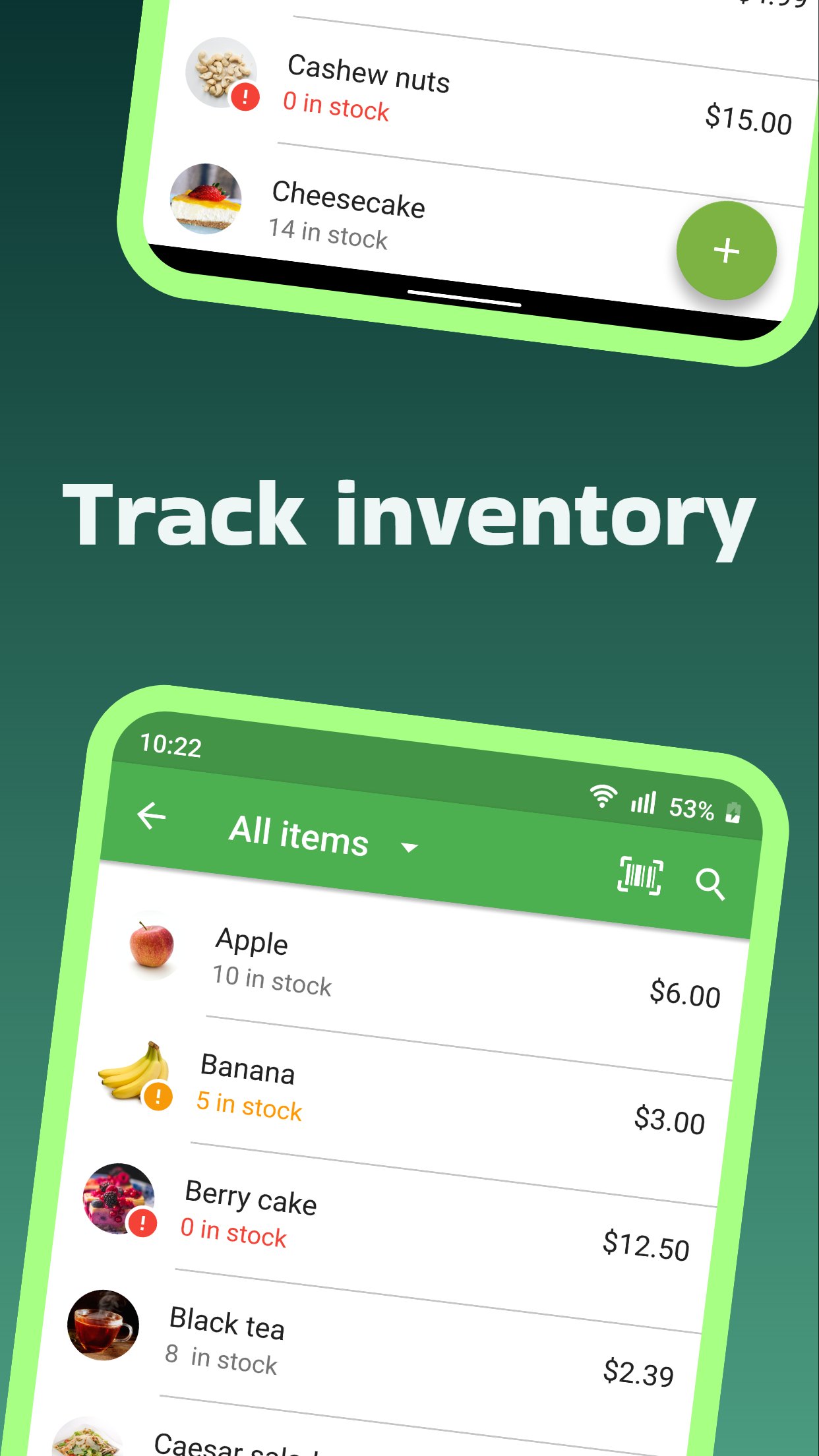
9 Screenshots

If you want to receive Email notifications about Loyverse software updates, please, click on follow this page button.


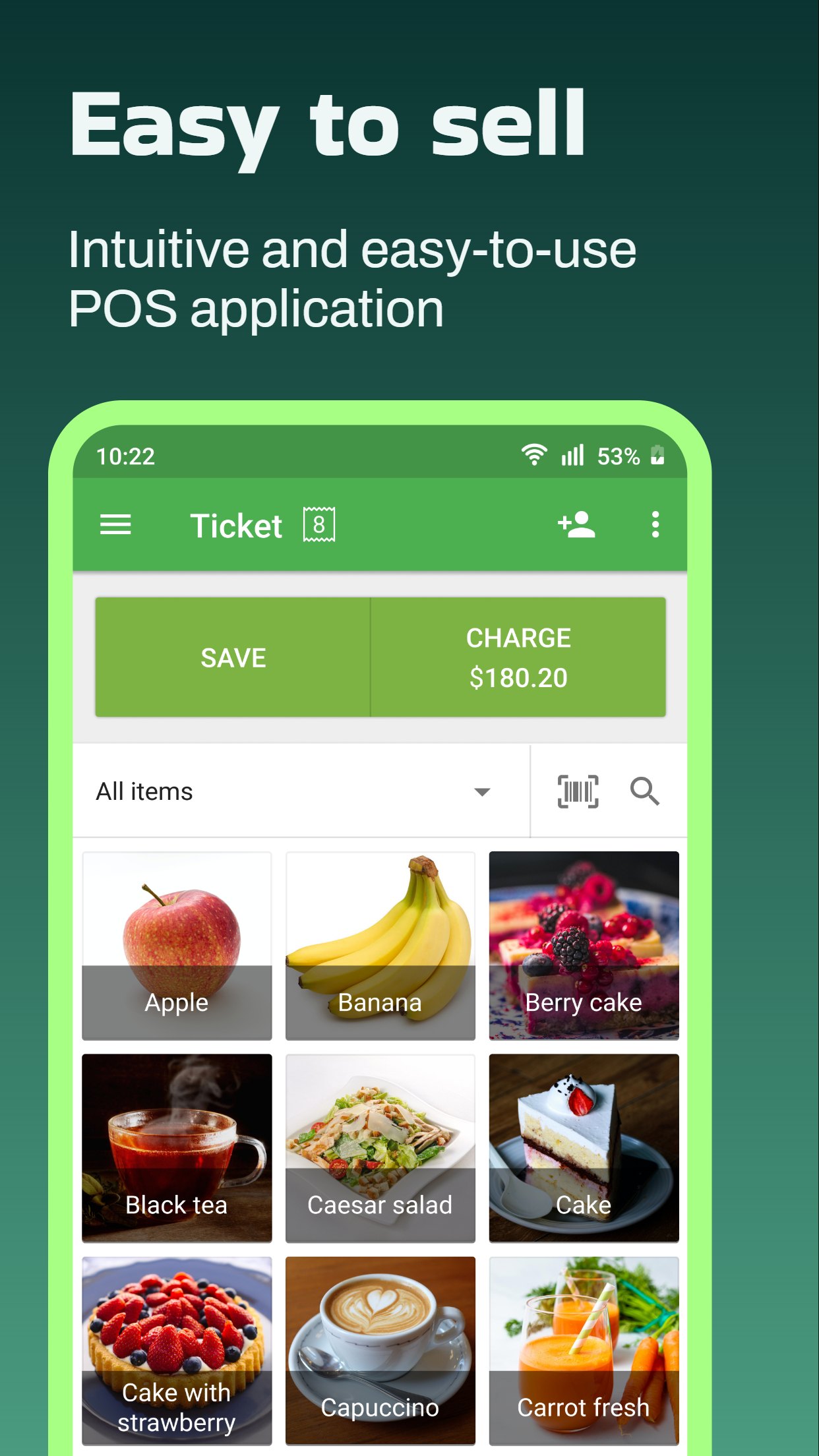
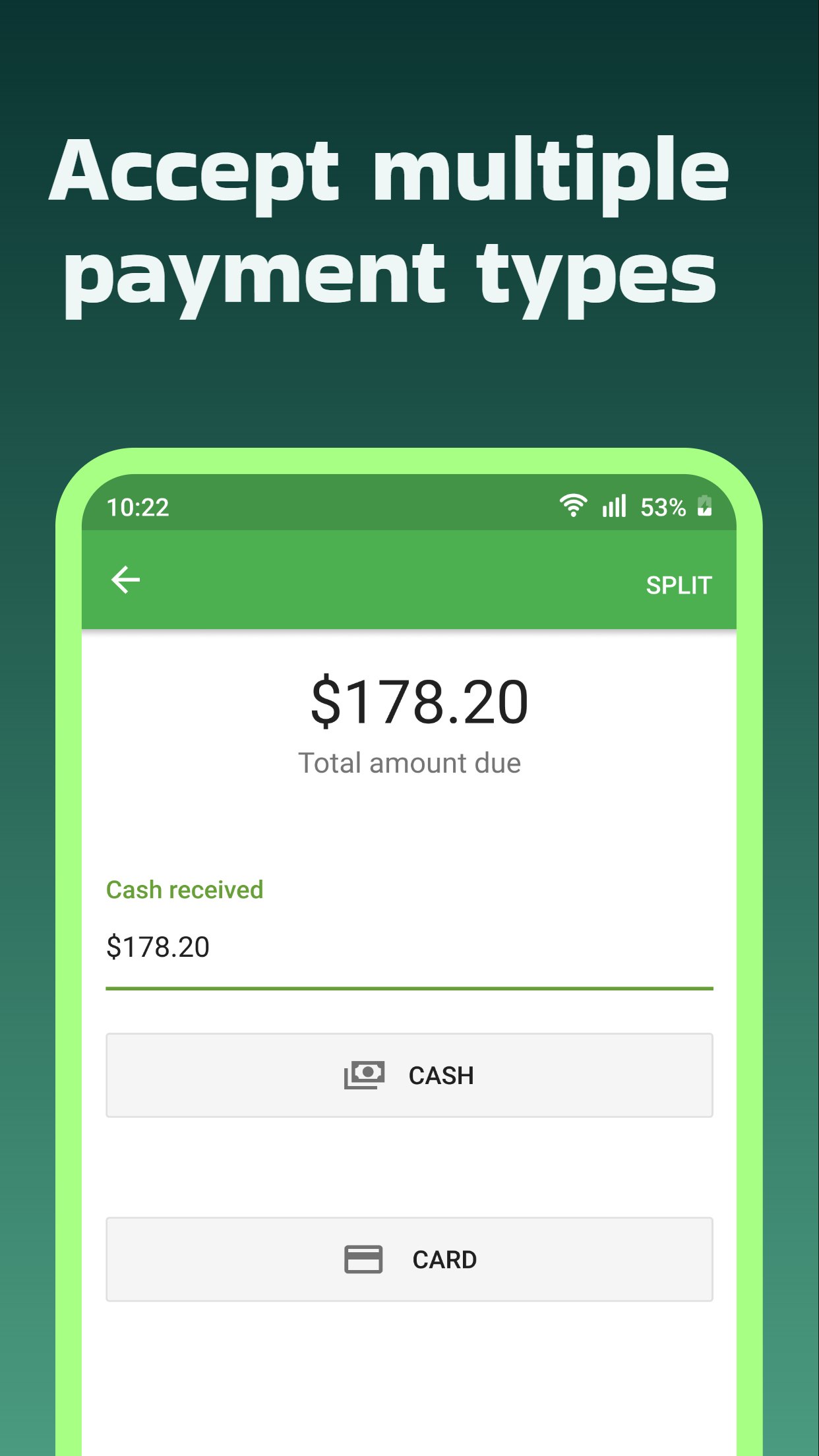
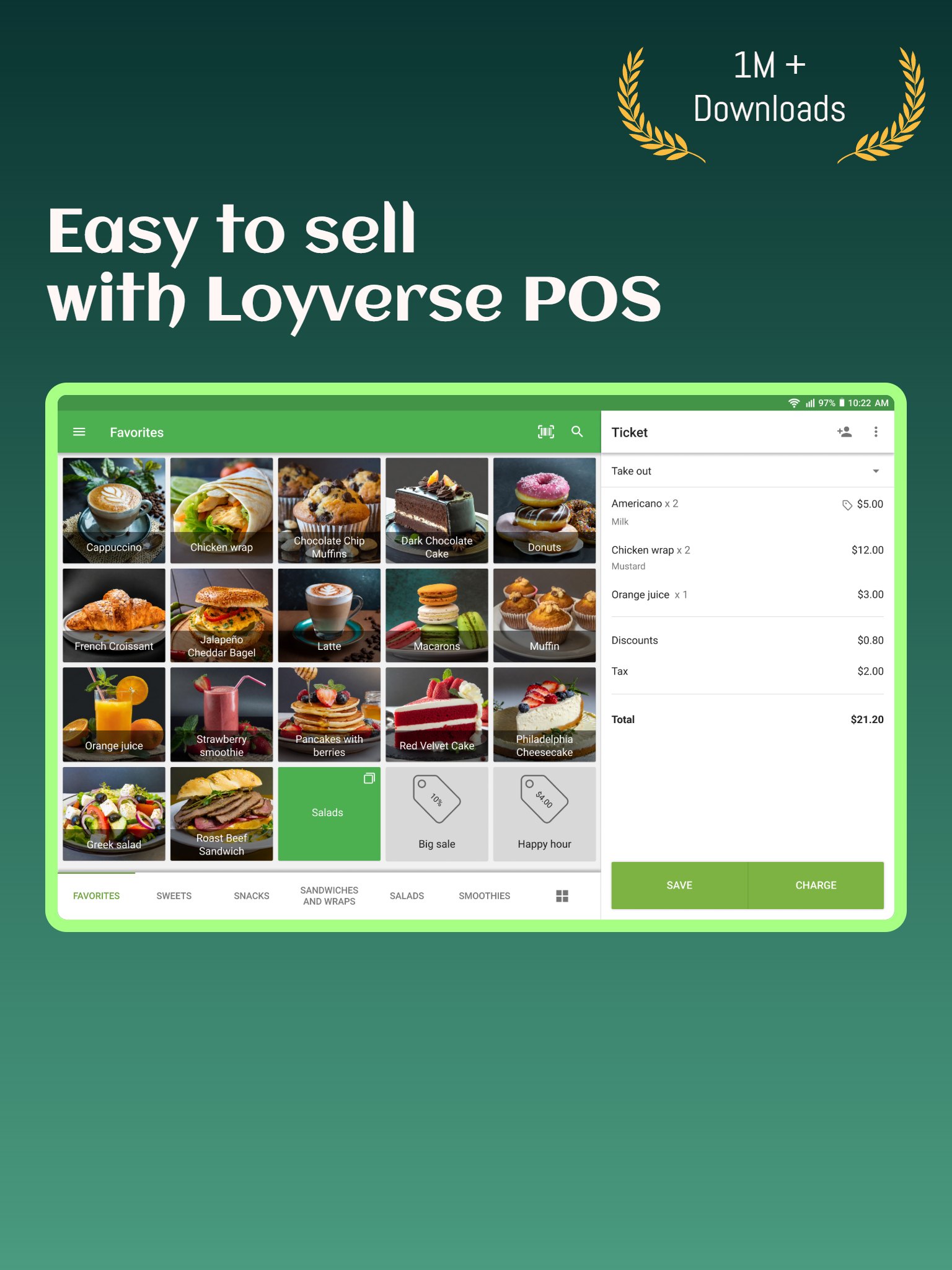
Loyverse POS is the free POS (point-of-sale) software perfect for your retail store, restaurant, food truck, grocery store, beauty salon, car wash, and more.

What's New in Version 09/28/2026 06:49 AM

Released

Version 2.75

- Bug fixes and performance improvements

User Feedback

Please sign in to comment

You will be able to leave a comment after signing in

Sign In Now
PureTropicsZanzibar Visitor

PureTropicsZanzibar

   2 of 2 members found this review helpful 2 / 2 members

I need help!
i downloaded the app to install in the computer with an APK launcher, but it requires a ADB.exe document to launch, how i can get that? 
Thanks

TropiboxImport Visitor

TropiboxImport

   2 of 2 members found this review helpful 2 / 2 members

excellent system 💓

upali Visitor

upali

   3 of 3 members found this review helpful 3 / 3 members

This is great app for cash register.

LePhuong Visitor

LePhuong

   2 of 2 members found this review helpful 2 / 2 members

I can not download this app for my laptop . i dont know the way i going , it is correct or not? But i can not print bill .. Then i just use it in my fone .however this app easy to use and help me alot .hope in the future more updated . thank you very much

CISNEROS Visitor

CISNEROS

   1 of 1 member found this review helpful 1 / 1 member

GENIAL


janette Visitor

janette

   1 of 1 member found this review helpful 1 / 1 member

amazing apps

sisobad Observer

sisobad

   2 of 2 members found this review helpful 2 / 2 members

I've been using this for several years now. It's been absolutely fantastic and. until the latest update my. modifiers go in a different order from what they used to they've reversed hopefully somebody may read this and fix it. 

CrisChef Visitor

CrisChef

   1 of 3 members found this review helpful 1 / 3 members

excelente POS, como puedo vender en Windows?

ITALSTEW Visitor

ITALSTEW

   2 of 2 members found this review helpful 2 / 2 members

EASY TO USE ,GREAT APP

Luzy Visitor

Luzy

   2 of 2 members found this review helpful 2 / 2 members

Bom dia! Baixei recentemente o aplicativo estou gostando de usar Loyverse Pos, mas gostaria de usar abertura de turno no computador. Tem essa opção?

04032975914 Visitor

04032975914

   1 of 3 members found this review helpful 1 / 3 members

muito bom

koko2405 Visitor

koko2405

   2 of 2 members found this review helpful 2 / 2 members

The till system is excellent, HOWEVER.

Missing part:  How can I enter my full waste products? Can you guys create an option to enter Full waste and row waste products to control how much waste you have in your business? as usually we do it manually.

For a full waste, it will be easy as the products are already in the till system.


Kind regards

JORGE

RALA Observer

RALA

   1 of 1 member found this review helpful 1 / 1 member

great app, lyverse POS serves our needs for a stable but affordable POS system for our small retail store

FamilyFarm Visitor

FamilyFarm

   1 of 1 member found this review helpful 1 / 1 member

I love Loyverse. I use it daily. One thing I would love to have is Loyverse and MyPos integration. I have to use 2 devices now. One credit card terminal for MyPos and one for Loyverse. This slows down customer service by 100% as each customer needs 2 devices in order to be processed.

Rpdiaz Visitor

Rpdiaz

   1 of 1 member found this review helpful 1 / 1 member

I currently have issues on unsynced receipts, I have already tried all the recommended solutions but to no avail. can anyone help me with this problem. thanks!

Siam Visitor

Siam

   7 of 8 members found this review helpful 7 / 8 members

Lyverse POS serves our needs for a stable but affordable POS system for our small foodtruck and take away service. Now open for almost 1 year, and during Covid pandemic it helped us in serving quick meals to our customers. I'm glad we found this easy and great POS system for our business.

Some change proposals : 

* Integrate Payconiq payment method (Belgium, Netherlands, Luxemburg, Germany) - also in CDS present QR code for payment for customers

* Kitchen display mark induvidual items as prepared or ready for service, this to check if an order is complete for closure of complete ticket

* sort/combine items in a sequence e.g. all starters and all main courses combined together.

* Option to call (main)dishes to be prepared by kitchen

* Sorting of variants in order, same as with modifiers can be done

* Shift report include TAX summary (Gros sales, Net Sales, TAX - per tax rate)

* Add on customer order an option for deliverytime (order being done in the afternoon, but customer pick this up at 18hr)

* Option to make tax not variable at checkout/customer order (in our country, tax is always the same for our menu's - only way to vary is on takeaway or eat-in, but that can be done by deliveryoptions - no need at checkout)

Hopefuly this helps to even make Loyverse a better POS product and help for our business and for the whole (food)community.


Kind regards,

Siam Smile Thai foodtruck.

Abdusalam Visitor

Abdusalam

   5 of 5 members found this review helpful 5 / 5 members

Amazing and easy to use. best part is almost everything is free. I have been using from 6 months. There are minor changes needed . 

CharLz Visitor

CharLz

   4 of 4 members found this review helpful 4 / 4 members

This is the best Free POS app. It really helped me alot in my Pet supply store, especially during this pandemic which is a struggle for small scale businesses. Its simplicity and user friendly UI makes it the best app by far. Not to mention that it is really FREE. Hope it stays free forever though. Because some app also offers free use but after sometime, it becomes a pay to use app. But either way, its a great app. Thank you so much to the developers. God bless you! 

BollywoodSpice Visitor

BollywoodSpice

   3 of 3 members found this review helpful 3 / 3 members

Have been using loyverse as our POS for a new Indian restaurant. As we were running on a low budget while opening during pandemic, wanted some open source and free pos. Loyverse did the perfect job and so far using it seamlessly with cash drawer tablet and blue tooth printer bought from Amazon and free loyverse app downloaded + dashboard on owners' mobile phone to get real-time sales data and the back office feature is so simple to do any changes online in realtime without any hassle.


Thank you Loyverse...!

Doppellecker Explorer

Doppellecker

   7 of 7 members found this review helpful 7 / 7 members

It is a great POS. I really like it. But i do miss some features. The Android-Version need to long to catch up with the ios version. That is bad. Please invest mor manpower in the app. I will pay for it. It is so good.

doko Enthusiast

doko

   1 of 1 member found this review helpful 1 / 1 member

Great app! Super Excellent point of sale system. I use it in my small restaurant, especially thanks for the integration with SumUp 🤩

TRM Visitor

TRM

   2 of 2 members found this review helpful 2 / 2 members

i can't use prices like 1.2$ i just can write round prices like 2$, 3$.

is it anything i did wrong or.


Response from the author:

This is because your country registration does not support such type of currency. Try to register another account with another country (the USA for example) or ask support. BTW, which country you chose?

Michael-Or Explorer

Michael-Or

   2 of 2 members found this review helpful 2 / 2 members

A great App for your cash register. You'll use it with any of your Android or iOS devices. The best free application, thank you

retms Participant

retms

   2 of 2 members found this review helpful 2 / 2 members

Thanks for the amazing system, it saves our cafe. This is a great start for those who have just started their business. And the main thing is that the system is free, for us it is very important.

rik Explorer

rik

   9 of 9 members found this review helpful 9 / 9 members

Great pos system! 🤩

Files

Account

Navigation

Search

Search

Configure browser push notifications

Chrome (Android)
  1. Tap the lock icon next to the address bar.
  2. Tap Permissions → Notifications.
  3. Adjust your preference.
Chrome (Desktop)
  1. Click the padlock icon in the address bar.
  2. Select Site settings.
  3. Find Notifications and adjust your preference.