

Skip to content
View in the app

A better way to browse. Learn more.

Loyverse Town

A full-screen app on your home screen with push notifications, badges and more.

To install this app on iOS and iPadOS
  1. Tap the Share icon in Safari
  2. Scroll the menu and tap Add to Home Screen.
  3. Tap Add in the top-right corner.
To install this app on Android
  1. Tap the 3-dot menu (⋮) in the top-right corner of the browser.
  2. Tap Add to Home screen or Install app.
  3. Confirm by tapping Install.

CDS on iPhones

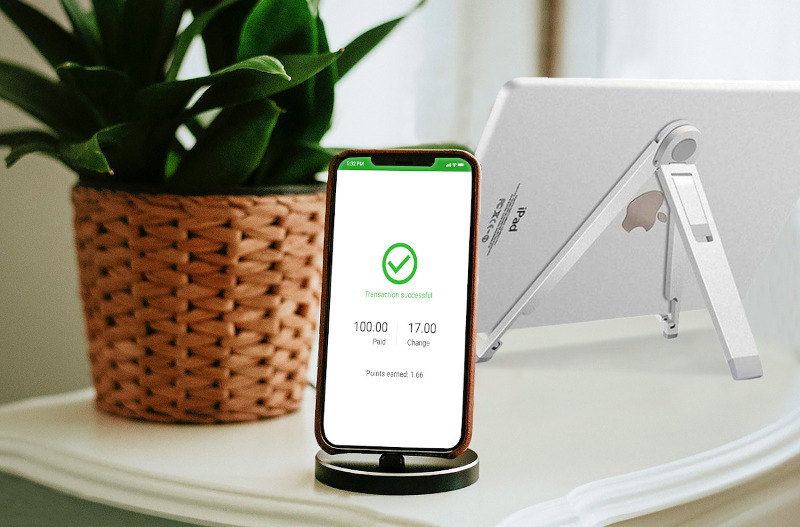
Starting with version 1.08 Loyverse СDS also works on iPhones.

Loyverse CDS (Customer Display System) is an interactive customer-facing screen that displays the details of customer’s order and allows to enter the email address for digital receipts.

For details of CDS works, please check here:

How Loyverse CDS Customer Display Works

Customer Display System Configuration Guide

1 Comment

Recommended Comments

hectorssd Visitor

hectorssd

Members

I have bluethoot printer but I cant setup in my iphone, in Android you can setup all bluetooth printer, what can I do. 

Account

Navigation

Search

Search

Configure browser push notifications

Chrome (Android)
  1. Tap the lock icon next to the address bar.
  2. Tap Permissions → Notifications.
  3. Adjust your preference.
Chrome (Desktop)
  1. Click the padlock icon in the address bar.
  2. Select Site settings.
  3. Find Notifications and adjust your preference.