Skip to content
View in the app

A better way to browse. Learn more.

Loyverse Town

A full-screen app on your home screen with push notifications, badges and more.

To install this app on iOS and iPadOS
  1. Tap the Share icon in Safari
  2. Scroll the menu and tap Add to Home Screen.
  3. Tap Add in the top-right corner.
To install this app on Android
  1. Tap the 3-dot menu (⋮) in the top-right corner of the browser.
  2. Tap Add to Home screen or Install app.
  3. Confirm by tapping Install.

Loyverse can work with delivery orders with Otter

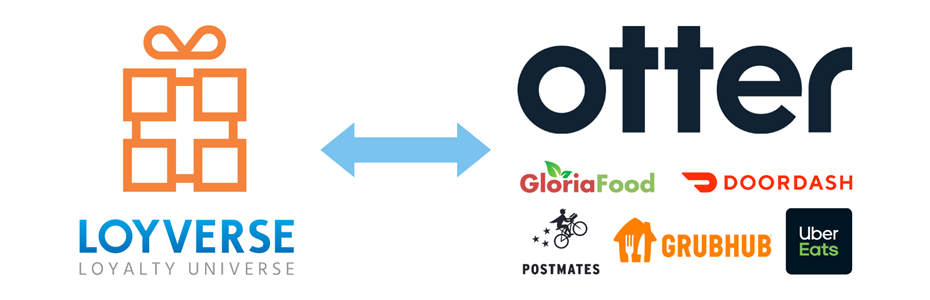
We are happy to announce that now there is an integration between Loyverse and Delivery/Ordering services through Otter👍  
Otter can connect Loyverse with UberEats, Gloriafood, etc.

image1.thumb.png.be8f3fbd0ed19a34d2d7b8bec1ffcb6f.png

Available delivery/ordering system on Otter:

  • UberEats
  • Doordash
  • GrubHub
  • Zuppler
  • GloriaFood
  • Postmates
  • Caviar
  • Order with Google
  • Seamless

...and more

When new orders come to the delivery/ordering system, then Otter prints them to the printers. And receipts also appear in the Back Office and POS in the receipts list.

image2.png.cbe0ab38c54b7cae28c2a824b4c0b7c0.png

image3.thumb.png.d6e50ccc626b80d242f65759a0dfdf07.png

If you are interested, please contact Otter


0 Comments

Recommended Comments

There are no comments to display.

Account

Navigation

Search

Search

Configure browser push notifications

Chrome (Android)
  1. Tap the lock icon next to the address bar.
  2. Tap Permissions → Notifications.
  3. Adjust your preference.
Chrome (Desktop)
  1. Click the padlock icon in the address bar.
  2. Select Site settings.
  3. Find Notifications and adjust your preference.