

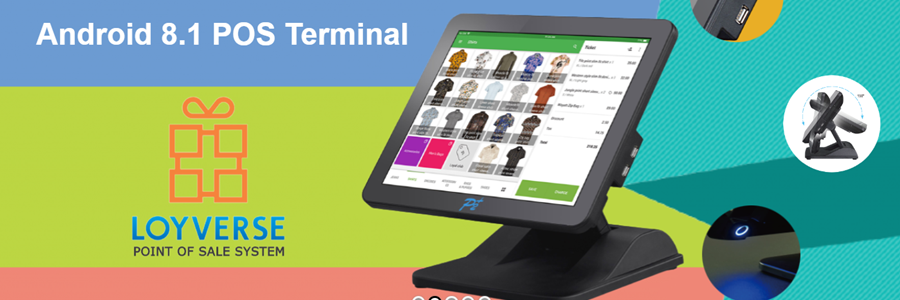
Loyverse runs on P2 Plus Android terminal

By Yasuaki in News
· 53,888 views
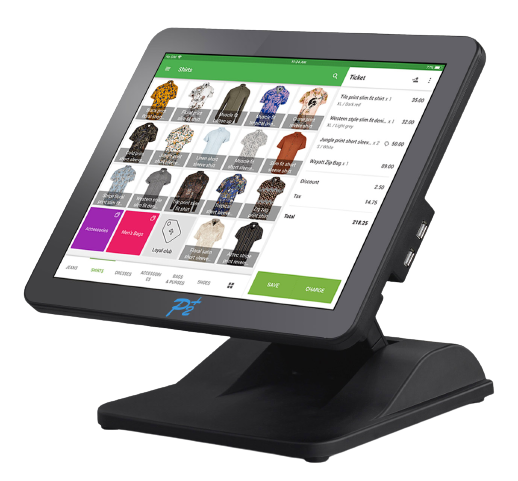
V190-A is an Android 8.1 based terminal that follows the high-quality and robust design concept of other P2-Plus POS products. Its main features include a 15" full-flat Capacitive touch screen, enabling Loyverse users to see the screen more stressless. With the advantages of a streamlined body, each Curve and detail have been carefully thought out to become the most desirable model on the market, showing meticulous and elegant no matter where it is placed.
In addition to the appearance, the V190-A has 4 USBs, 1 USB OTG, 1 RJ45, Wi-Fi (IEEE 802.11a/b/g/n/ac), and BT.4.0 so that you can communicate with printers, The Internet, and the barcode scanner. And in terms of efficiency, convenience, and ease of maintenance, it can meet the expectations and needs of all business requirements.
P2-Plus Inc. is a Taiwanese POS manufacturer and offers complete POS hardware solutions including all peripheral products (printers, scanners, monitors, etc). The basic business concept is to offer a high-quality system at a low cost.
Please visit the website for more details: https://p2-plus.com/project/v190series-2/
Contact about this device:
TEL: +886-2-8521-5980 / 8522-5608
EMAIL: sales@p2-plus.com
-
 1
Recommended Comments