

Skip to content
View in the app

A better way to browse. Learn more.

Loyverse Town

A full-screen app on your home screen with push notifications, badges and more.

To install this app on iOS and iPadOS
  1. Tap the Share icon in Safari
  2. Scroll the menu and tap Add to Home Screen.
  3. Tap Add in the top-right corner.
To install this app on Android
  1. Tap the 3-dot menu (⋮) in the top-right corner of the browser.
  2. Tap Add to Home screen or Install app.
  3. Confirm by tapping Install.

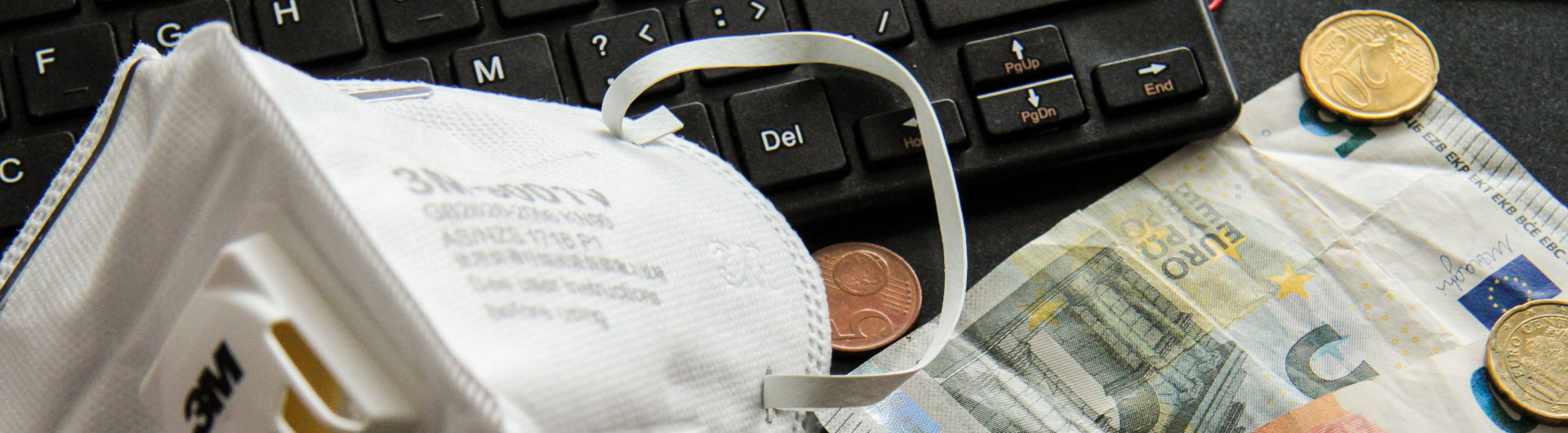
What we can improve in our small business to survive during COVID-19 2020 crisis?

Featured Replies

What we can improve in our small business to survive during COVID-19 2020 crisis?

  • 3 weeks later...

Hi,

I'm Tarun from India I've a retail store During this lock down we are providing essential commodities to our customers what we have observed is that there is an increase in the digital payment when compared to the cash payment it would be better if loyvrse could integrate any one of the Indian payment platform which a lot of local POS providers are doing to reduce the chances of getting infected via currency notes.

And could provide a solution via loyverse like sms marketing or mail marketing to maintain contact with the customers and to provide regular updates.

Edited by Tarun
Extra info

Account

Navigation

Search

Search

Configure browser push notifications

Chrome (Android)
  1. Tap the lock icon next to the address bar.
  2. Tap Permissions → Notifications.
  3. Adjust your preference.
Chrome (Desktop)
  1. Click the padlock icon in the address bar.
  2. Select Site settings.
  3. Find Notifications and adjust your preference.